Remove passwords and restrictions from PDFs you own
PDF Decrypter Pro removes the owner password and unlocks printing, copying, and editing on PDF files you created or are authorized to use — in seconds, entirely on your own computer.
- Removes owner passwords & restrictions in one click
- 100% local processing — no cloud upload
- No Adobe Acrobat or Reader required
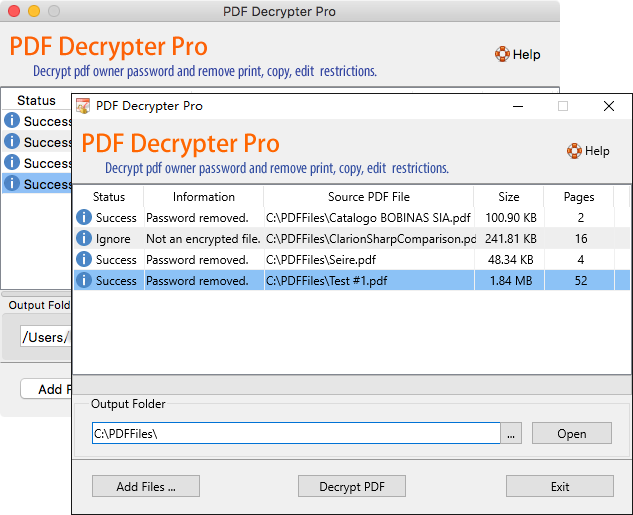
Regain full control of your own PDF documents
If a PDF you own has an owner password that blocks printing, copying, or editing, PDF Decrypter Pro removes those restrictions so you can work with the file normally.
Remove the owner password
Strip the owner password that blocks permissions, so you can manage a PDF you created or have rights to use.
Enable editing & copying
Unlock text and image selection, copy-to-clipboard, and changes to content, annotations, and form fields.
Restore printing
Re-enable printing so you can produce hard copies of documents you are entitled to print.
Fast, private, and easy to use
Instant decryption
Removes restrictions in seconds with a lightweight, stand-alone engine — no heavy dependencies.
No cloud upload
Every file is processed locally on your PC. Your PDFs never leave your device.
Batch & drag-and-drop
Add multiple PDFs at once, drag and drop files, and decrypt the whole list in one pass.
Strong encryption support
Handles 40-bit RC4, 128-bit RC4, and AES encryption, compressed files, and unencrypted metadata.
No adware or spyware
Clean installation with no bundled offers, no ads, and no background data collection.
Works on Windows & macOS
Native builds for Windows 11/10/8/7 and macOS 10.8 or later. One license covers your platform.
How it works
Add your PDF files
Launch PDF Decrypter Pro and click Add Files, or drag and drop the PDFs you want to process.
Click Decrypt
Press Decrypt PDF. Files without restrictions are skipped automatically.
Open your unrestricted PDF
Right-click the finished file to open it, or read the full step-by-step tutorial.
Get started in under a minute
Free trial available for Windows and macOS. Prices shown in USD.
PDF Decrypter Pro for Windows
Version 4.52 · 5.7 MB · Windows 11/10/8/7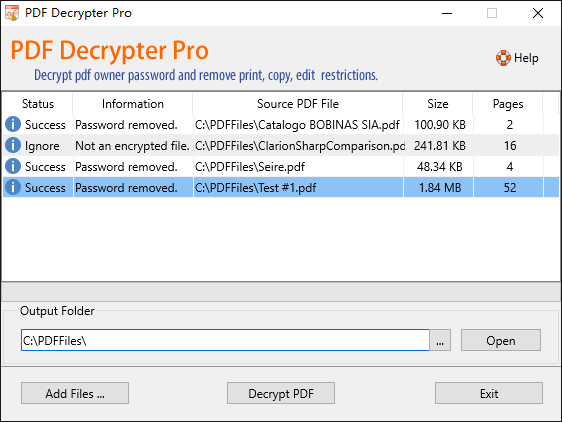
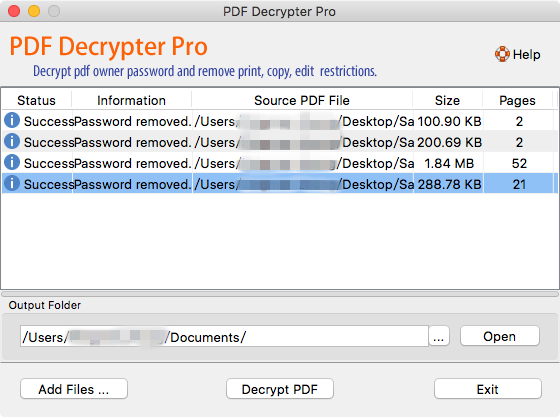
What users and editors say
“A lightweight, extremely easy-to-use application designed to help you rapidly remove usage restrictions from PDF files… allowing you to remove editing limitations from your PDF documents in a matter of seconds.”
— Softpedia editor’s review
“Many thanks. A very useful tool. I don’t have the full Adobe Acrobat installed on my new laptop, so PDF Decrypter Pro is a great help when I want to remove the restrictions on a particular document right now.”
— IainB, verified user
Important: PDF Decrypter Pro is intended for legitimate use only — to remove passwords and restrictions from PDF files you created, own, or are authorized to modify. It does not brute-force unknown passwords and is not intended to access copyrighted material you do not have rights to. See our Terms of Use.
Ready to remove PDF restrictions you set?
Download the free trial now, or buy a license to unlock unlimited use.